Godot AI plugin
AI assistance that works inside your Godot project.
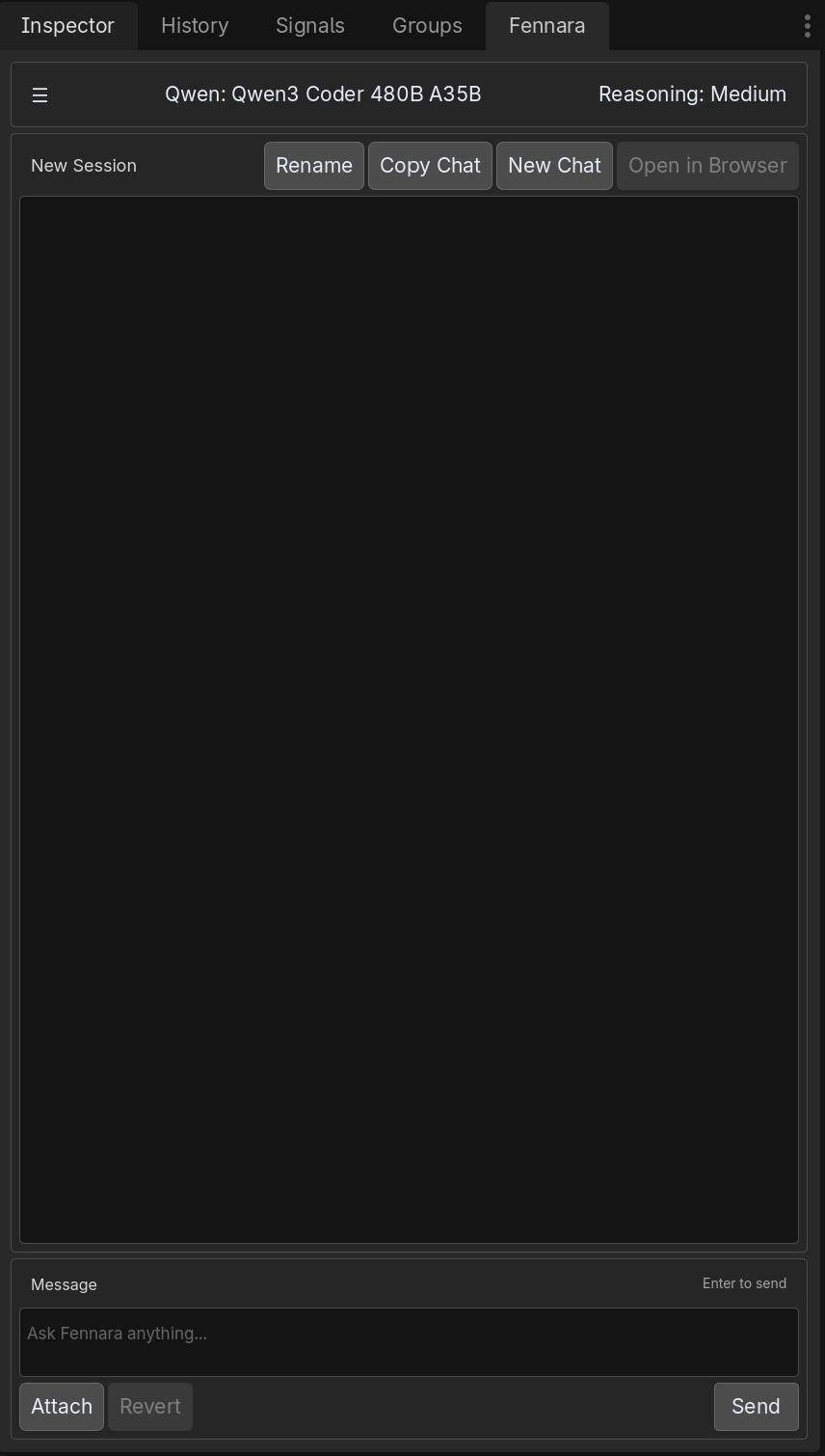
Fennara is an open-source Godot AI plugin built for real editor work: chat with project context, inspect scenes, validate GDScript and C# scripts, capture screenshots, choose models, reopen history, and revert the last AI turn when an experiment misses.
Why a Godot-specific AI plugin matters
Godot work is not just text generation. A useful assistant needs to understand scenes, resources, node paths, exported properties, scripts, visual layout, and the difference between a command succeeding and a project actually working.
Generic AI tools can write plausible scripts, but they often guess APIs, miss scene ownership rules, or produce changes that only fail after you run the game.
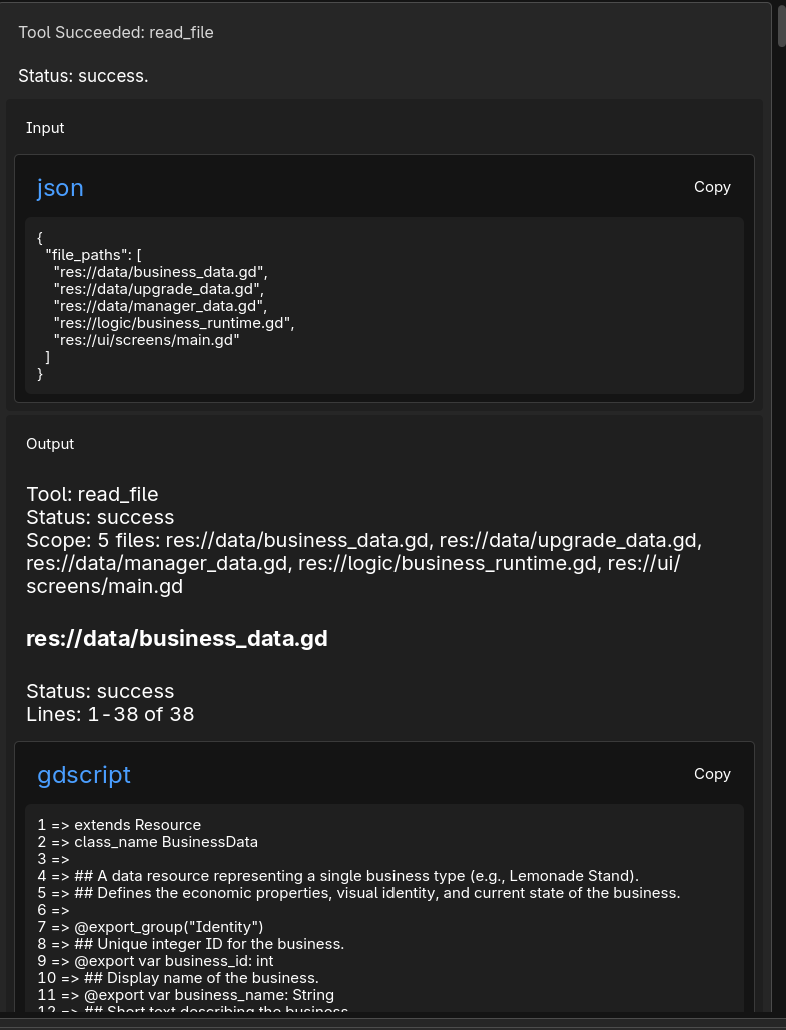
Fennara’s plugin keeps the model connected to Godot feedback: diagnostics, validation, tool cards, screenshots, and session state. The goal is not just to generate files. The goal is to help the model notice when the work is wrong.
Fennara is not C# only and not GDScript only. It supports GDScript projects, C# projects, and mixed Godot projects.
What the plugin can help with
These are the pieces that make Fennara more than a chat box next to the editor.
Script diagnostics
Script writes can be checked with Godot language feedback for GDScript and C# so syntax and type issues are visible immediately.
Scene editing
Scene changes can run through Godot APIs, preserve ownership, and validate common broken references after edits.
Scene tree and screenshots
Fennara can inspect scene structure and capture 2D or 3D screenshots when visual context matters.
SemanticSearch
Large projects can be indexed so Fennara can find relevant scripts, signals, resources, UI code, and likely bug locations.
Model controls
Choose the model and reasoning effort for the next request instead of treating every task the same.
History and context
Reopen older sessions and keep long conversations usable with context compaction when chats get large.
Revert
Undo project file changes from the previous Fennara turn when an experiment goes the wrong way.
The working loop
Fennara is designed for the same loop a developer uses: inspect, edit, run checks, read feedback, and adjust. The plugin makes that loop visible so you can follow what the model is doing.
Send a request from the Fennara dock inside Godot.
Fennara inspects project files, scenes, node state, or screenshots when needed.
The model writes scripts or scene edits through Godot-aware tools.
Diagnostics, validation, and tool results come back into the conversation.
You review the result, continue the task, or revert the last turn.
Use the plugin alone or with MCP
The Godot plugin is the most direct Fennara workspace. External MCP apps can also use Fennara’s local tools when the plugin has a connected project and that project is set as the MCP target.
FAQ
What is the Fennara Godot AI plugin?+
The Fennara Godot AI plugin is the in-editor workspace for using Fennara with a real Godot project. It includes chat, tool activity, model controls, settings, history, attachments, screenshots, and revert controls close to the editor.
How is this different from using a normal AI chatbot for Godot?+
A normal chatbot can suggest code from text. Fennara can inspect the project, use Godot-aware tools, run diagnostics, validate scene changes, show tool cards, and let you revert the previous turn.
Can Fennara edit Godot scenes?+
Yes. Fennara can use one-off scene edit scripts through Godot APIs, validate the worker script first, save scene changes, and check common scene break points after edits.
Does the plugin work with MCP apps too?+
Yes. Godot should be open whether you use the plugin chat or an external MCP app. The plugin can mark the current project as the MCP target so local MCP tools know which Godot project should receive requests.
Can I undo AI changes?+
Fennara includes a Revert action for the previous captured turn in the current plugin session. It is not a Git replacement, but it is useful for rolling back the last AI edit or experiment.
Start with the real editor.
Start from GitHub for source, setup docs, downloads, and updates. Then connect a Godot project and try a small request in the plugin before moving into larger scene, script, or MCP workflows.